

A customer taps “Buy now,” the spinner turns, and… nothing. After three seconds of waiting, most people simply leave. In fact, 91% of e-commerce users abandoned websites in 2023 when performance delays passed the three‑second mark, according to Market Growth Reports. That single number turns slow response times from a technical annoyance into a direct revenue risk.
Performance bottlenecks are rarely obvious from the inside. Systems feel fast enough in a development environment, dashboards look mostly green, and yet users complain, marketing campaigns stall, or data teams report that “the pipeline is stuck again.” Protecting the experience and keeping the business moving demands a systematic way to spot and remove bottlenecks before they become visible pain.
What is a performance bottleneck?
A performance bottleneck is the slowest point in a process that limits how fast the entire system can respond or scale. It might be a database query, a shared lock in code, a network segment, an under‑provisioned API, or even a manual approval step in an otherwise automated pipeline. No matter how optimized everything else is, the user only feels the speed of that tightest choke point.
Two concepts matter most when talking about bottlenecks: latency and throughput. Latency is how long a single request takes from start to finish. Throughput is how many requests the system can handle per second, minute, or hour. A system can have excellent latency under light load and still crumble in throughput at peak traffic because one component cannot scale out. True bottleneck identification looks at both.
Why performance bottlenecks hurt more than you think
Performance issues are often framed as a quality concern, but they are just as much a growth and strategy concern. Slow systems block experiments, delay insights, and dilute the impact of every new feature. If users hesitate during checkout, sign‑ups, or report generation, conversion drops and operational costs quietly rise.
The impact is not limited to consumer apps. In 2025, more than three‑quarters of global enterprises viewed business intelligence as essential for operational and strategic planning, according to Data Stack Hub. When the analytics stack is slow, leadership decisions slip, frontline teams work with stale numbers, and the whole organization moves more cautiously than competitors whose data flows faster.
Where bottlenecks hide across your stack
Most teams intuitively look at front‑end code when users complain about slowness. Front‑end issues are visible, but they are only one layer. Bottlenecks often hide deeper in the stack, where they are less obvious yet far more expensive.
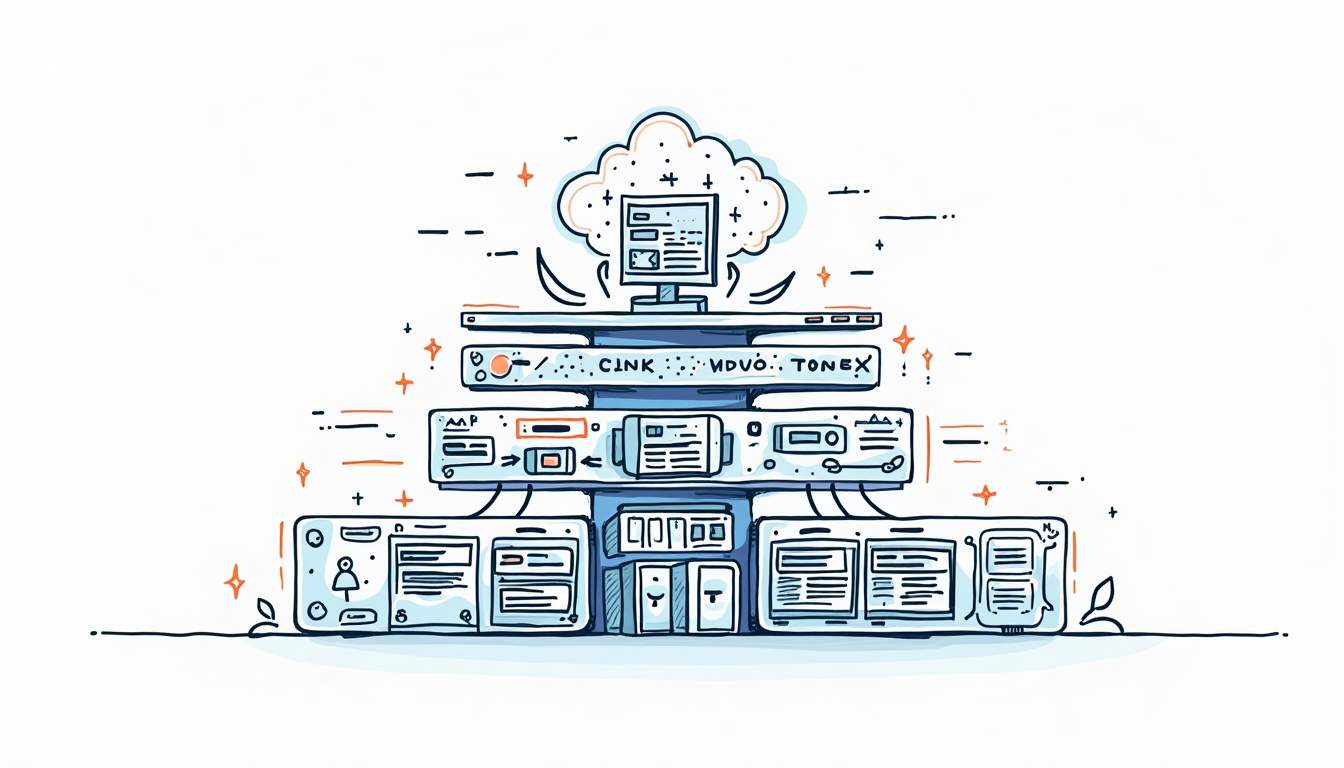
User-facing experience: web and mobile
On the client side, common bottlenecks include oversized JavaScript bundles, render‑blocking resources, excessive third‑party scripts, and images that are not optimized for modern formats or screen sizes. These issues usually show up as long initial load times, janky scrolling, or sluggish interactions on mid‑range devices and slower networks.
Real users judge performance on perceived speed. Skeleton screens, smart caching, and prefetching critical resources all help, but they only mask deeper problems if the back end is not equally tuned. When front‑end and back‑end teams optimize in isolation, each side can look “fine” in local testing while the combined experience under real traffic is frustratingly slow.
Back-end services and databases
Behind the UI, bottlenecks often trace back to a handful of patterns: N+1 database queries in hot paths, missing indexes, over‑chatty microservices, and shared resources that serialize requests instead of handling work in parallel. Symptoms include thread pools maxing out, long tails in response times, and nodes that appear healthy on CPU and memory but sit blocked on I/O.
Databases are frequent culprits. Poor schema design, unbounded table growth, and ad‑hoc analytical queries executed on transactional databases can quietly push latency up as data volume rises. Because degradation is gradual, teams seldom notice until a release, marketing campaign, or seasonal spike tips the system over the edge.
Data and AI pipelines
Modern data and AI workloads introduce an entirely different class of bottlenecks. A study examining more than two million machine learning jobs in Google data centers found that a significant fraction of training jobs could gain from faster input data pipelines, highlighting that GPUs and model code are often waiting on data rather than CPU cycles or memory bandwidth alone, according to an arXiv analysis of ML workloads.
Infrastructure providers are seeing the same pattern. Keysight Technologies notes that AI data centers have reached a tipping point where performance and scale are no longer enough; operators now need deeper insight, tighter validation, and smarter infrastructure choices to keep up with demand, as described in a recent Keysight study on AI infrastructure readiness. When input pipelines, storage access, or feature engineering steps cannot supply data efficiently, expensive accelerators sit idle and training schedules slip.
How to identify performance bottlenecks systematically
Some teams chase bottlenecks reactively-whichever complaint is loudest gets attention. A more effective approach follows a repeatable path: observe, measure, narrow down, then fix. The goal is to make slow paths impossible to hide.
Get the right visibility
Start by defining a small set of user‑centric performance objectives. Examples include page load time to first interaction, 95th or 99th percentile API latency, data pipeline completion time, or dashboard time‑to‑first‑query. Tying these directly to key business moments-checkout, signup, or decision‑making reports-helps prioritize what truly matters.
From there, instrumentation is non‑negotiable. Distributed tracing, structured logs, and metrics at service, query, and job levels turn anecdotal “the system is slow” into measurable facts. Correlating traces across services reveals which component actually holds the critical path under load. For AI and data pipelines, tracking time spent in I/O versus computation is crucial to distinguish genuine model complexity from infrastructure bottlenecks.
Reproduce real-world load before release
Static benchmarks and single‑user tests almost always understate the impact of bottlenecks. Real traffic is messy: bursts, skew toward certain endpoints, BI reports scheduled at the top of the hour, and background jobs competing with interactive workloads. Scenario‑based load testing attempts to mirror that reality instead of pushing uniform, synthetic load.
Research published through the IEEE Computer Society shows that integrating scenario‑based load analysis into testing can reduce post‑deployment bottlenecks by 38%, highlighting the payoff of modeling realistic usage rather than idealized patterns, according to an analysis of comprehensive software testing approaches. Building these scenarios takes effort, but they often expose contention, cascading retries, and resource exhaustion long before they reach production.
Performance analytics is becoming a dedicated discipline in its own right. The global performance analytics market was valued at $4.8 billion in 2024 and is projected to grow to $14.2 billion by 2030 at a 19.7% compound annual growth rate, according to Research and Markets. That growth signals how many organizations are turning to dedicated tools and processes to spot systemic performance trends before individual incidents trigger outages.
Designing to avoid bottlenecks before they hurt
Finding bottlenecks is only half the job. The more durable win is designing systems so that bottlenecks are less likely to form-and when they do appear, they are easy to isolate and relieve. That starts with architecture, but it also touches deployment practices, capacity planning, and how teams think about data.
Architect for graceful degradation and scale
Architectures that rely on a single, central service or database inevitably create a performance choke point. Breaking capabilities into services that can scale independently, limiting cross‑service calls in critical paths, and using asynchronous messaging where possible all help spread load. Rate limiting and back‑pressure mechanisms keep spikes from cascading into full outages.
Graceful degradation is another key pattern. When parts of the system are overloaded, it is better to shed non‑critical features than to freeze everything. Examples include temporarily disabling recommendation widgets, serving cached reports instead of live queries, or queuing long‑running background tasks. Users notice missing niceties far less than they notice a completely unresponsive application.
Keep data paths short and predictable
Data paths are often longer than necessary: multiple transformations, redundant copies, and mixed workloads on the same storage tier. Shortening these paths reduces both latency and operational fragility. This can look like separating analytical and transactional databases, pushing aggregations closer to where data is produced, or standardizing canonical data models used across teams.
Marketing and analytics teams feel the consequences directly. In 2025, 53% of marketers in North America cited data analysis and insights as the top bottleneck slowing down marketing cycles, according to Statista. When generating a report or pulling a campaign performance view requires waiting on overloaded dashboards or nightly batch jobs, experimentation slows and opportunities slip away. Cleaner data architectures and predictable pipelines turn performance from a blocker into an enabler.
From Discovery to Resolution: Fixing the Bottleneck
Text:Identifying a bottleneck is only the first step; fixing it without disrupting the roadmap is often where teams stall. Internal engineers are frequently too buried in feature delivery to perform the deep-dive optimization required to shave off those critical seconds.
This is the specific gap addressed by Control. Unlike traditional consulting that hands you a report of "slow areas," Control deploys a specialized, AI-native team to surgically attack the specific performance knot holding you back. By optimizing your critical path at a fixed price, you move immediately from diagnosis to faster throughput—protecting your revenue without derailing your product roadmap.